
Brands
Where: Inventory → BrandsWho: manager or tenant owner
Brands tag products with their maker — useful for retail catalogs, for filtering on the storefront, and as a condition field in collection rules.
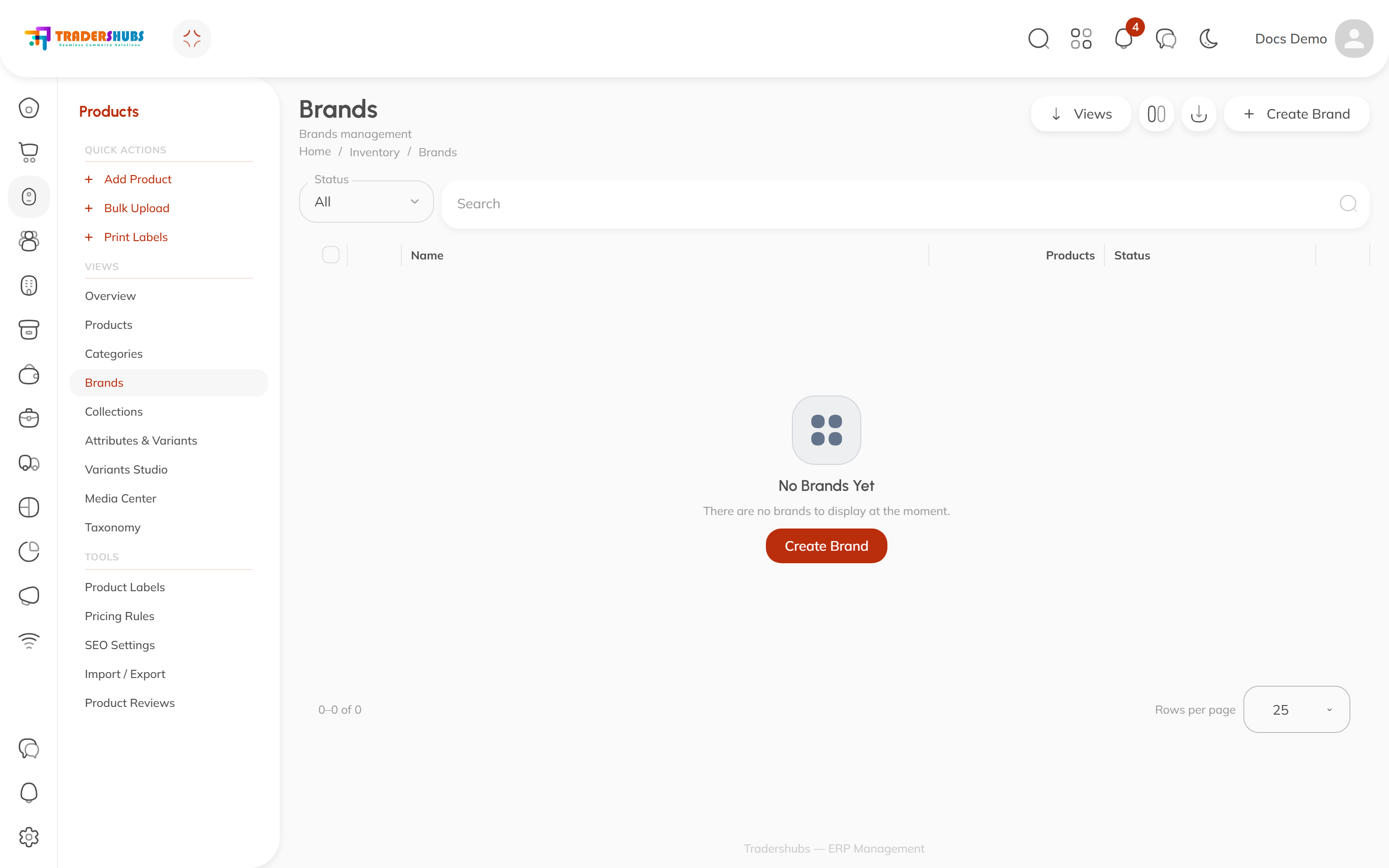
Creating a brand
- Click Create Brand.
- Enter the brand name and set it Active.
- Assign it to products on each product's Basic tab (Brand field).
Good to know
- Brands are optional — a restaurant menu usually doesn't need them; a retail catalog does.
- The Products column counts how many products carry each brand.
- A brand feeds two things downstream: storefront filtering, and
brand-based rules in dynamic collections.