
Taxonomy
Where: Inventory → TaxonomyWho: manager or tenant owner
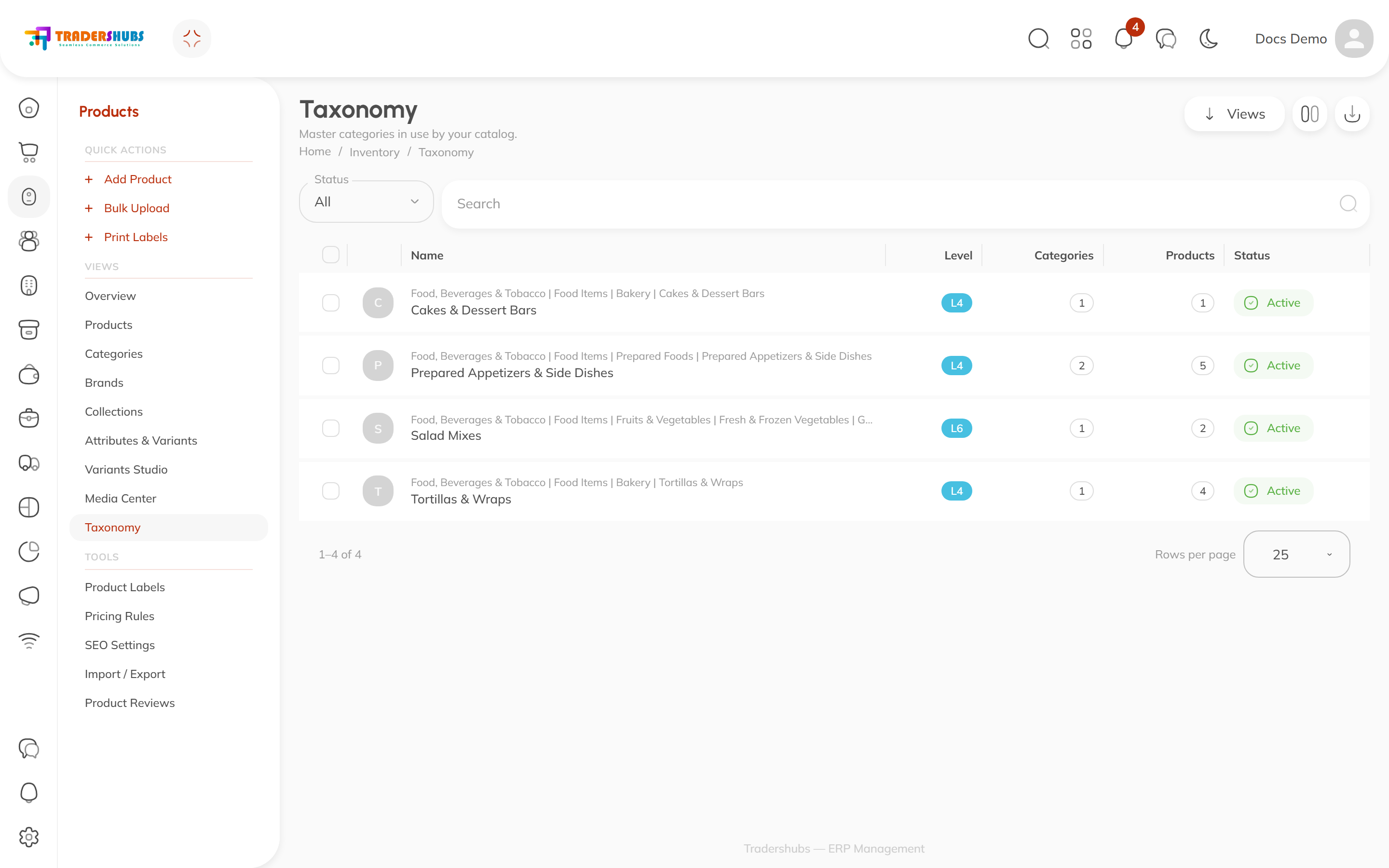
The Taxonomy page shows the master categories your catalog is linked to — a shared, standardized category tree (e.g. Food, Beverages & Tobacco → Food Items → Bakery → Cakes & Dessert Bars) that sits above your own category names.
Why it exists
Your categories are yours — named how your business thinks. Master categories are everyone's — a common vocabulary that lets marketplaces, analytics and integrations understand what a "Knafeh" is without knowing your menu. Linking your Categories to master categories is what puts them on this page.
Reading the table
| Column | Meaning |
|---|---|
| Name | The master category, with its full path above it |
| Level | How deep it sits in the global tree (L4, L6…) |
| Categories | How many of your categories link to it |
| Products | How many products that covers |
| Status | Active / inactive |
How mapping happens
You don't create master categories here — you map to them from the Categories table: either from the Master Category column's Find master shortcut, or inside the category editor.
Good to know
- Mapping is optional but recommended — it future-proofs your catalog for sales channels that require standardized categorization.
- One master category can cover several of your categories (e.g. Hot Appetizers and Cold Appetizers both → Prepared Appetizers & Side Dishes).