
Collections
Where: Catalog → CollectionsWho: manager or tenant owner
Collections group products flexibly — they're how you build things like Summer Drinks, Under $5, or Staff Picks, and they're what powers the image tiles on the POS collections bar.
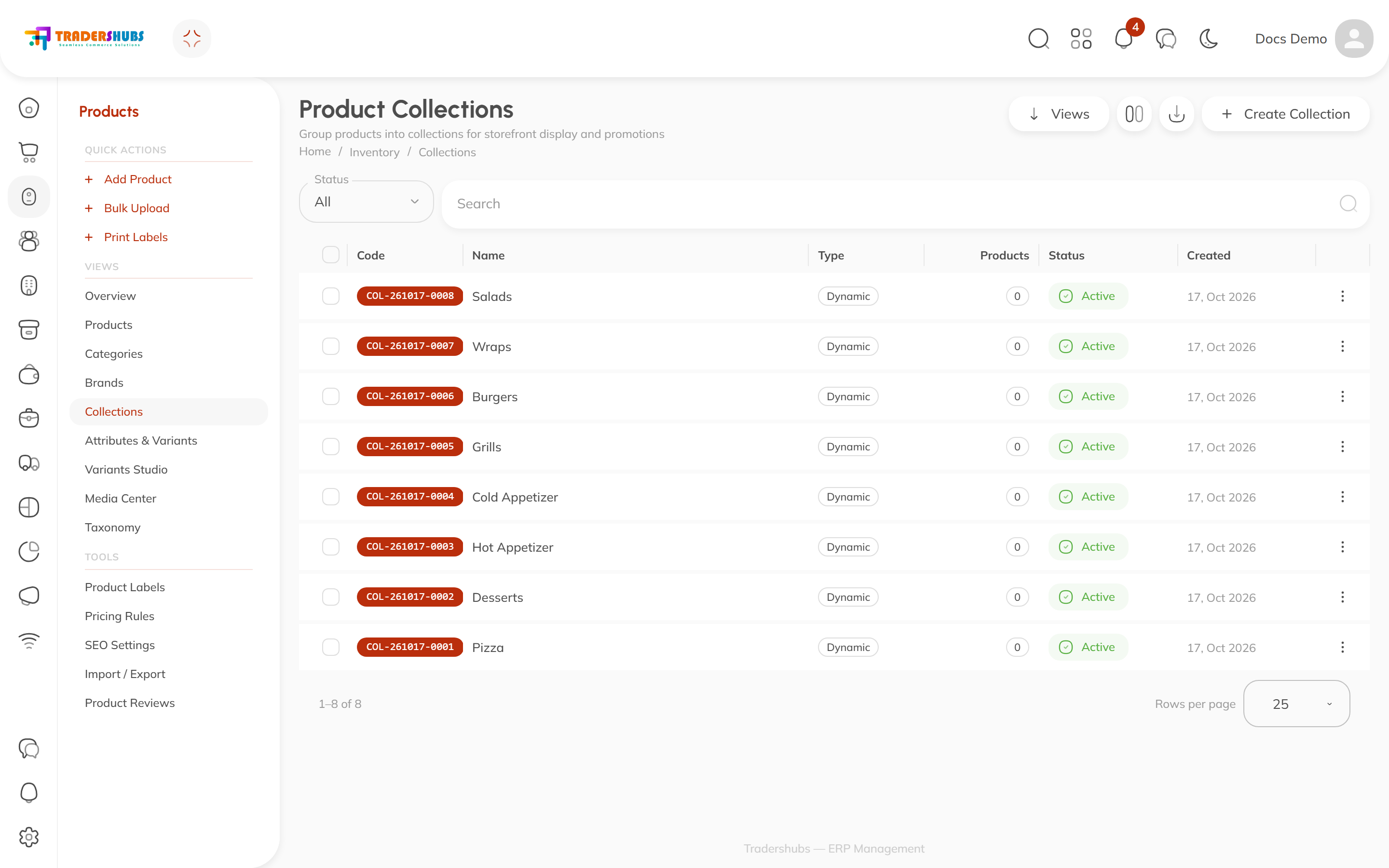
The two kinds
| Type | How products join | Best for |
|---|---|---|
| Direct | You assign each product by hand | Curated, fixed lists — Featured, Gift Boxes |
| Dynamic | You define rules; membership maintains itself | Anything rule-based — all Desserts, price under $5, brand = X |
Creating a collection
- Open Catalog → Collections → New collection.
- Name it, set an image (this is what shows as the tile image on the POS), and choose the collection type.
- Direct: assign products to the collection (via the product's collection field or the collection editor).
- Dynamic: add conditions — each has a field, an operator and a value, combined with AND:
| Field | Matches on | Example |
|---|---|---|
category | the product's category | equals → Pizza |
brand | the product's brand | equals → a brand code |
status | product status | equals → published |
price_min / price_max | sell price range | min 2, max 5 |
feature | product feature tags | equals → gluten-free |
stock | stock state | equals → in_stock, low_stock, out_of_stock |
- Set the collection active — it syncs to storefronts and POS terminals.
Good to know
- A product can belong to many collections at once.
- Dynamic membership is evaluated live — change a product's category and it instantly joins or leaves every matching collection.
- Dynamic conditions need their product fields filled in — a
brandrule only works if your products actually have brands set. - Deleting a collection doesn't touch the products inside it.
Troubleshooting
- A dynamic collection is empty — check each condition's value against a product you expect to match (e.g. is the category exactly the one in the rule?). All conditions must pass — one failing field excludes the product.
- Tile missing on the POS — the collection must be active; let the terminal finish a sync after edits.