
Media Center
Where: Inventory → Media CenterWho: manager or tenant owner
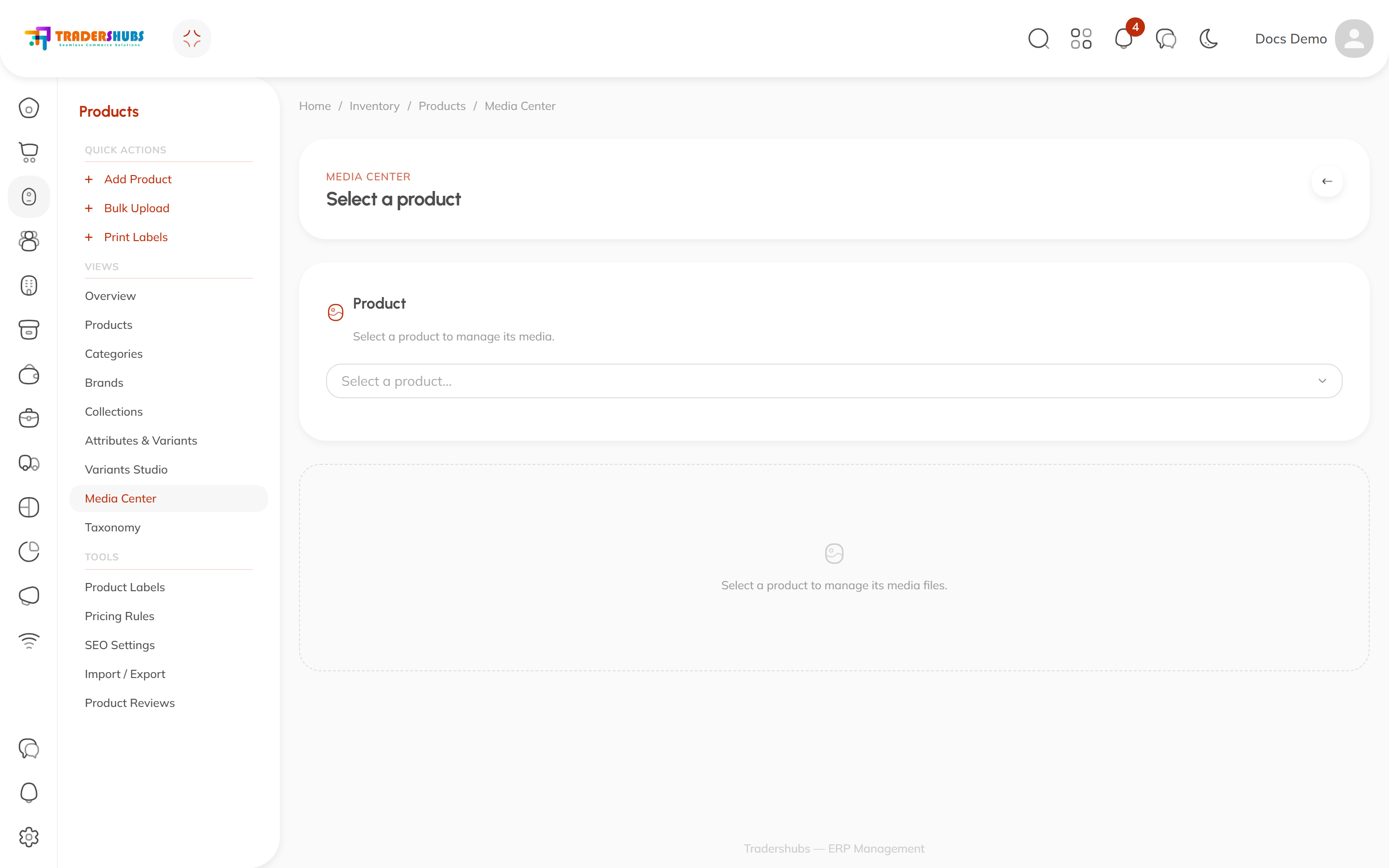
Media Center manages a product's image gallery — the photos that appear on the POS, the storefront and the catalog tables.
Using it
- Select a product from the picker.
- Its media files appear below — upload, reorder, or remove them.
You can also reach it straight from a product's editor via the Media Center button in the header.
Good to know
- The first image is what product cards show — make it the appetizing one.
- Good images matter more than most settings: they're what cashiers and customers actually see. Square-ish, well-lit, consistent.
- POS terminals cache product and collection images locally — media uploaded here reaches tills on the next sync and keeps working offline.